
To reset your password take the following steps:
1. Head to the Member Login Page, HERE.
2. Below the form and sign-in button, click the link Forgot Password?
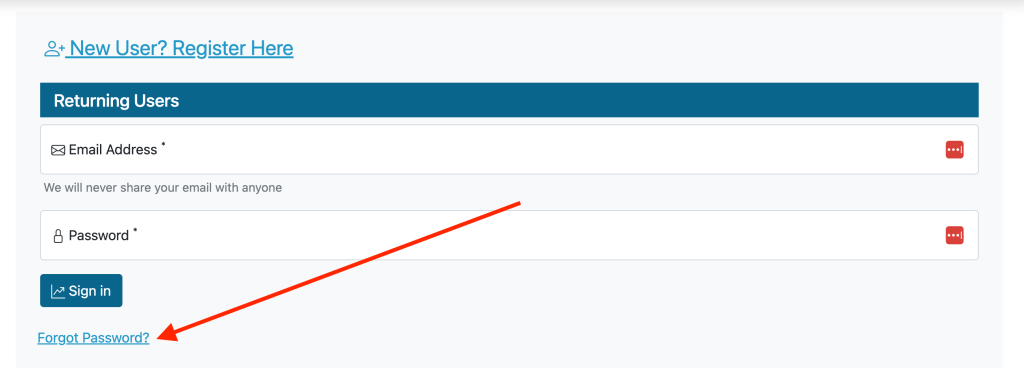
3. You will be asked to fill out your email address and a verification email will be sent to you with a link to reset your password.If you do not receive this email within 5-10 minutes, please make sure to check your spam folders. The email will look like the image below and come from “NoReply@thetechtrader.com“.
4. Click the link in the email and you will be redirected to a page with a form allowing you to update your password.
5. Once your password is updated, you’ll be taken back to the member login screen where you can enter your email and new password to gain access back to your account.
If you’ve taken the steps above and are still unable to access your account, please contact support@thetechtrader.com and we’ll escalate your case to our technical team to review within 48-hours.